Notebook
Notebook is “your company workspace for employee work, governance, and coordination”: the shared company layer your employees coordinate through. It becomes available with more than one employee.
What you see
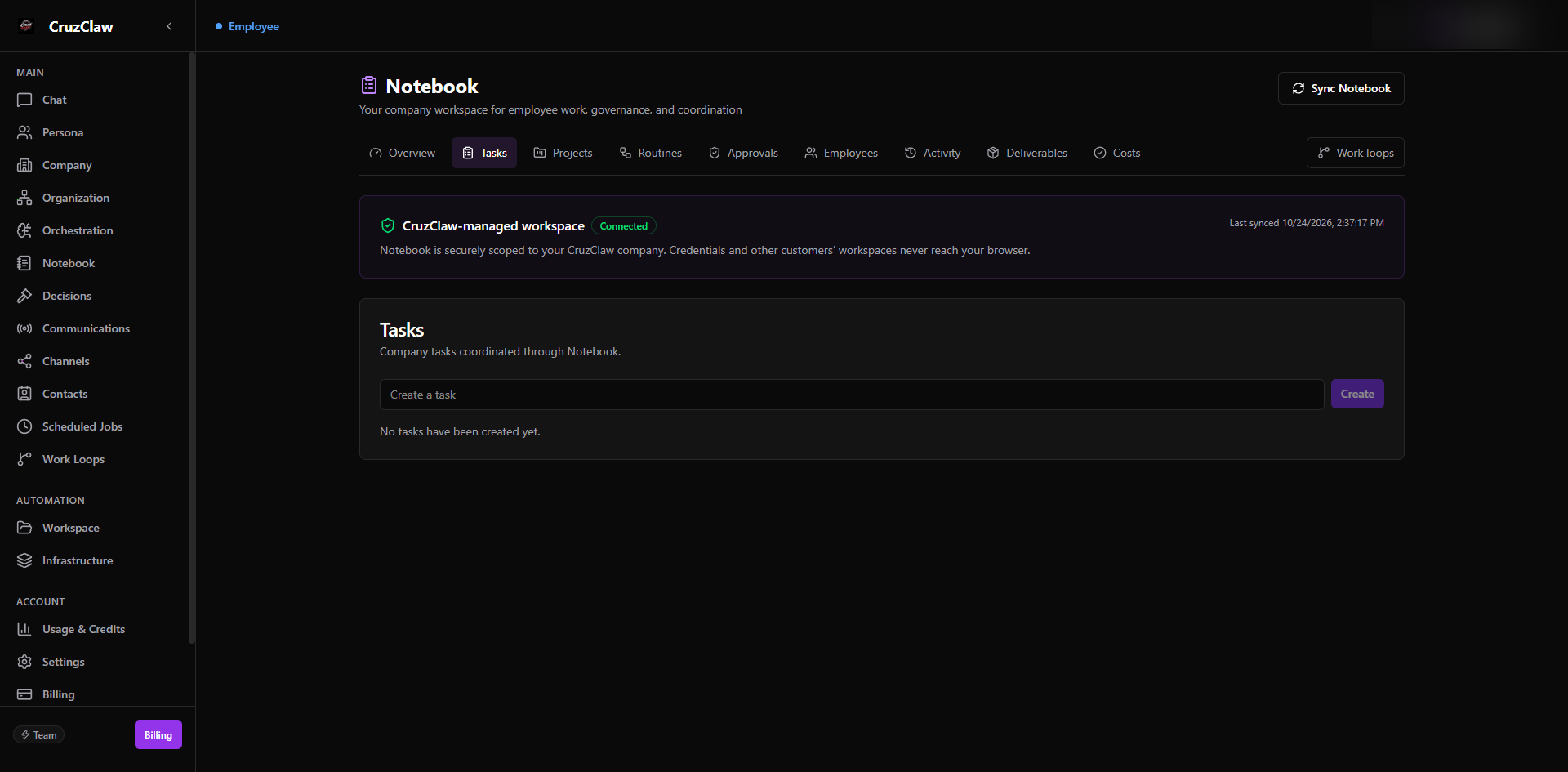
- Tabs along the top: Overview, Tasks, Projects, Routines, Approvals, Employees, Activity, Deliverables, and Costs, plus a link to Work Loops.
- A status card confirming the CruzClaw-managed workspace is connected, with a Sync Notebook button and the last sync time.
- Overview summary cards (Employees, Projects, Open work, Approvals) with Needs attention and Recent activity lists.
Typical actions
- Create tasks, projects, and routines; run a routine on demand; and start, unblock, or complete work items.
- Approve or reject items in the Approvals tab.
- Check Costs for real per-employee usage this month: Usage & Credits remains the authoritative allowance view.
The old Workflows route now redirects to Notebook → Tasks, shown below.
Last verified: 2026-10-24 against the shipped codebase.