Employees (Persona)
The sidebar labels this area Persona on a single-employee account (page title “My Persona”); with a team it becomes My Team. It is the roster of everyone you have hired.
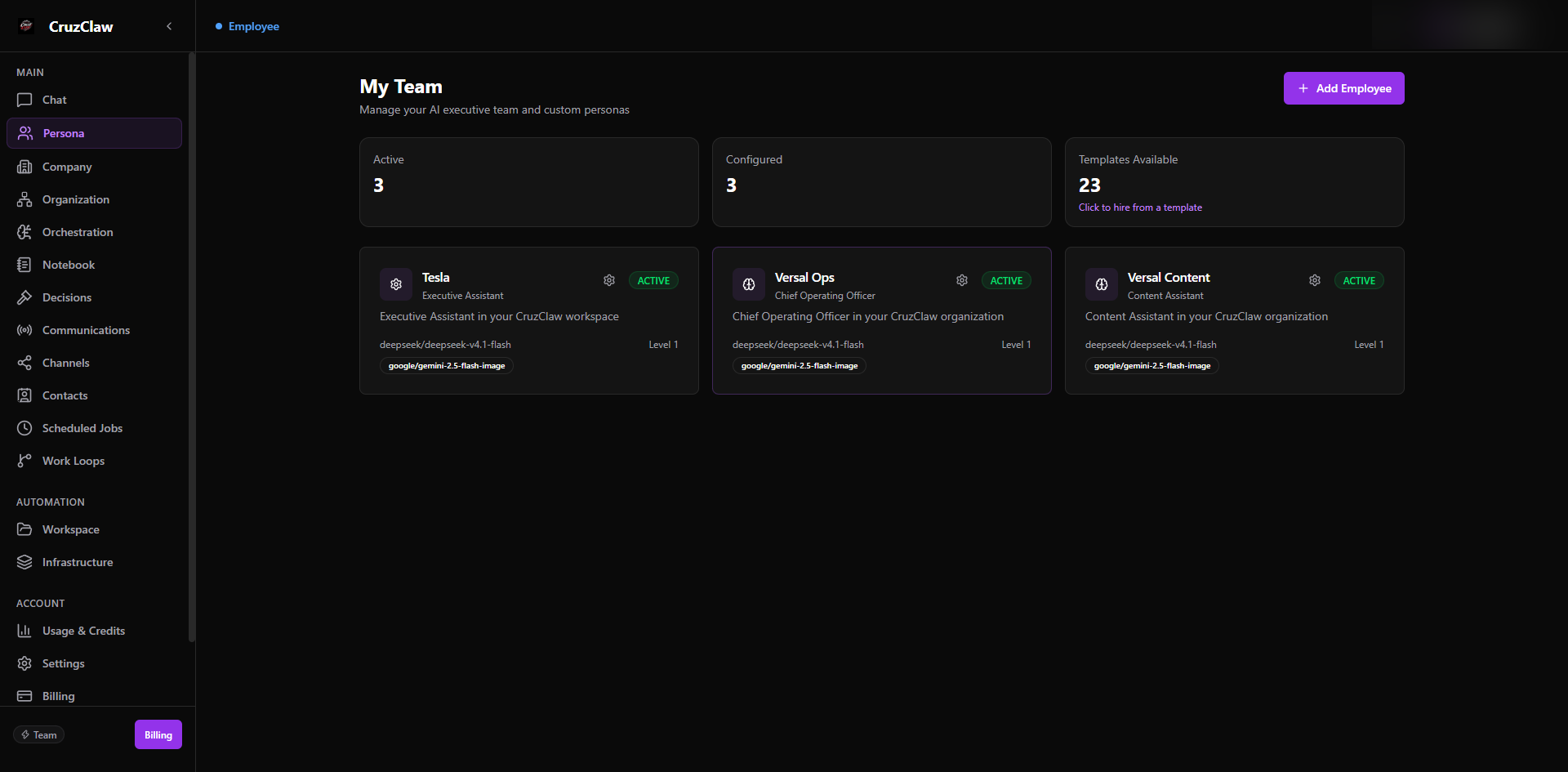
What you see
- Summary cards: Active, Configured, and Templates Available: the last one opens the template-first hiring dialog on team plans.
- A card per employee: avatar, name, role or type, status badge, model, level, tagline, and any image-model add-ons. An Unassigned badge marks personas not attached to a runtime.
Typical actions
- Hire someone new with Add Persona / Add Employee, optionally starting from a role template.
- Open an employee’s profile to start, stop, or restart them; check Health Status (workspace and gateway readiness); and review recent employee actions.
- Edit the persona instructions (AGENTS.md), which are synced to the employee’s workspace; assign a persona to a runtime; or permanently delete an employee.
Last verified: 2026-10-24 against the shipped codebase.